
WPForms vs Gravity Forms comes down to a question the feature tables never ask: how many sites are you licensing, and who is going to maintain the forms in two years. We build client sites on both, so here is the comparison from that side of the desk.
WPForms vs Gravity Forms, the short answer
WPForms is easier to hand to a client and cheaper to start with. Gravity Forms is sturdier once forms get complicated, and its add-on ecosystem is deeper. Neither is a mistake. The wrong one is usually chosen for the wrong reason, which is a feature nobody ends up using.
If you want the honest short version: pick WPForms if a non technical person will edit the forms, and Gravity Forms if a developer will.
The free tier, and why it matters more than people think
Gravity Forms has no free version. WPForms has WPForms Lite, which is genuinely useful for a contact form. What Lite does not include is described by WPForms themselves on their WordPress.org listing:
This plugin is the Lite version of WPForms Pro, which comes with email subscription forms, multi-page contact forms, file uploads, conditional logic, and extra payment integrations.
That matters because most projects discover the limit halfway through, when the form already exists and the deadline is close. Knowing where the wall is before you start is worth more than a feature count.
Which one is easier for a client to use?
WPForms, clearly. The builder is simpler, the field settings are fewer, and a client can add a field without calling you. Gravity Forms exposes more, which is powerful for a developer and intimidating for the person who just wants a new checkbox. If you hand the site over and walk away, that difference decides your support load for years.
Where Gravity Forms pulls ahead
Once a form stops being a contact form, Gravity Forms starts to justify itself. These are the places we reach for it.
- Complex conditional chains. Rules that depend on rules, across many fields, stay manageable.
- Add-on depth. Payment gateways, CRMs and mailing platforms are well covered and maintained.
- Developer hooks. The filter and action surface is large, and the documentation for it is real documentation.
- Entry handling at volume. Thousands of entries stay workable rather than becoming a slow admin screen.
None of that helps a five field enquiry form. All of it helps a twelve step application with a payment at the end.
Where WPForms pulls ahead
Not just price, although the entry price is lower. The advantages are about speed and handover.
- Time to a working form. Templates plus a simple builder gets you live faster.
- Client confidence. People edit their own forms instead of raising a ticket.
- A real free tier. You can install it, prove the concept, and only then decide.
On a small business site with two forms, WPForms usually wins on total effort, which is the cost that actually shows up.
What about site weight?
Both are heavier than people expect, and it is easy to check rather than argue about. WPForms Lite, measured on our own machine by adding up file sizes, is 4,536 files and 29.3 MB on disk. Of that, 9.7 MB across 2,925 files are bundled vendor libraries, including a payments SDK of 2,138 files that ships whether or not you take payments.
On a page with a form it loads roughly 31 KB of CSS and JavaScript gzipped, plus jQuery, which its front end script depends on. One thing we will not claim, because we checked the code and it is not true: WPForms does not load its assets on every page. By default it loads only where a form is.
How to choose without regretting it
Answer these four before you look at a pricing page. They decide it more reliably than any comparison table, including this one.
- How many sites? Per site licensing changes the maths quickly at five sites and brutally at twenty.
- Who edits the forms after launch? A client, or you.
- Do you take money in the form? If yes, both work and the add-on you need decides.
- How long does this site have to live? A three year site tolerates a migration. A ten year one should not need it.
The third option most comparisons skip
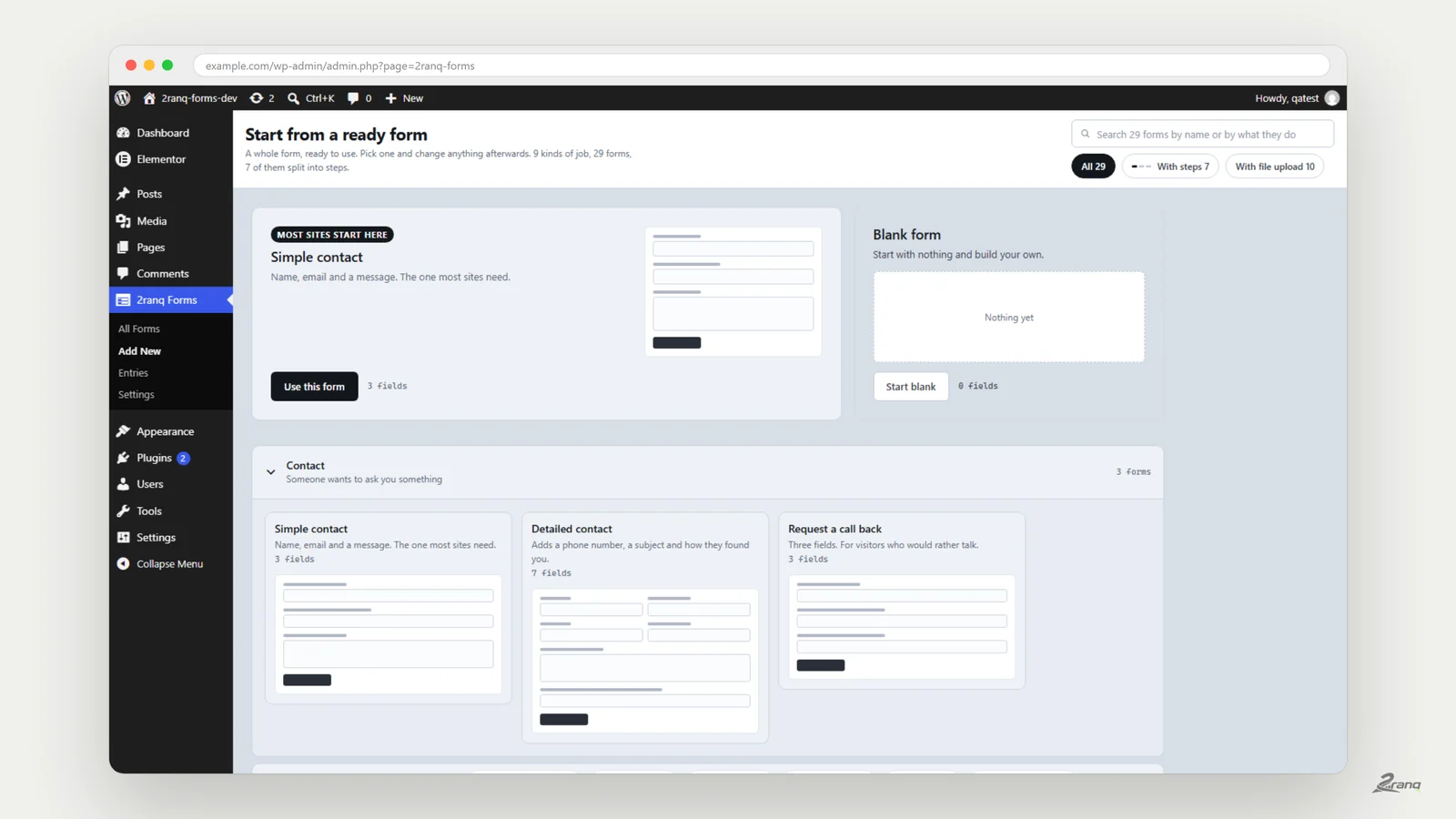
If the reason you are comparing is that conditional logic, multi step or file upload sit behind a licence, there is a third path. We had that problem on client sites often enough that we built 2ranq Forms and published it free under the GPL, with those three included and no pro tier to upgrade to.
It is not the right answer for everyone. It has no payment fields, so if you sell through a form, buy the paid plugin. It exports CSV rather than XLSX. And it is new, so a critical form deserves the same caution you would give any young plugin.
Where it does fit is the common case: a business site that needs a form to hide fields, split into steps and take a document, without paying per site for the privilege.
Not sure which form plugin your site should carry?
We build and maintain WordPress sites on both, and we pick per project rather than per habit. Ask us what we would put on yours.